Markup Calculator
Find the right selling price for any product with this markup calculator. Enter your cost and markup percentage to get the price, profit and margin, or enter cost and price to work out the markup percentage. Every step is shown, so you always see how the price was reached. Free, no sign-up, everything runs in your browser.
Formulas: Selling price = Cost × (1 + markup). Markup = (Selling price − Cost) ÷ Cost. Margin = (Selling price − Cost) ÷ Selling price.

Formulas verified against standard references. Calculator logic tested with verified worked examples. Published: November 5, 2026 | Last updated: November 5, 2026. Fact-checked: November 5, 2026. Our methodology
How to Use the Markup Calculator
Getting an answer takes four quick steps. The tool works in two directions, so start by picking the mode that matches what you know.
- Choose "Find the selling price" if you know your cost and the markup you want, or "Find the markup percentage" if you know your cost and the price you charge.
- Type your cost per unit in dollars. This is what you pay to make or buy one unit.
- Type the markup percentage, or the selling price, depending on the mode you picked.
- Press Calculate, or press Enter. The answer appears first and large, with the profit, the margin and the step-by-step math below. Press Reset to clear the form and start over.
The Markup Formula
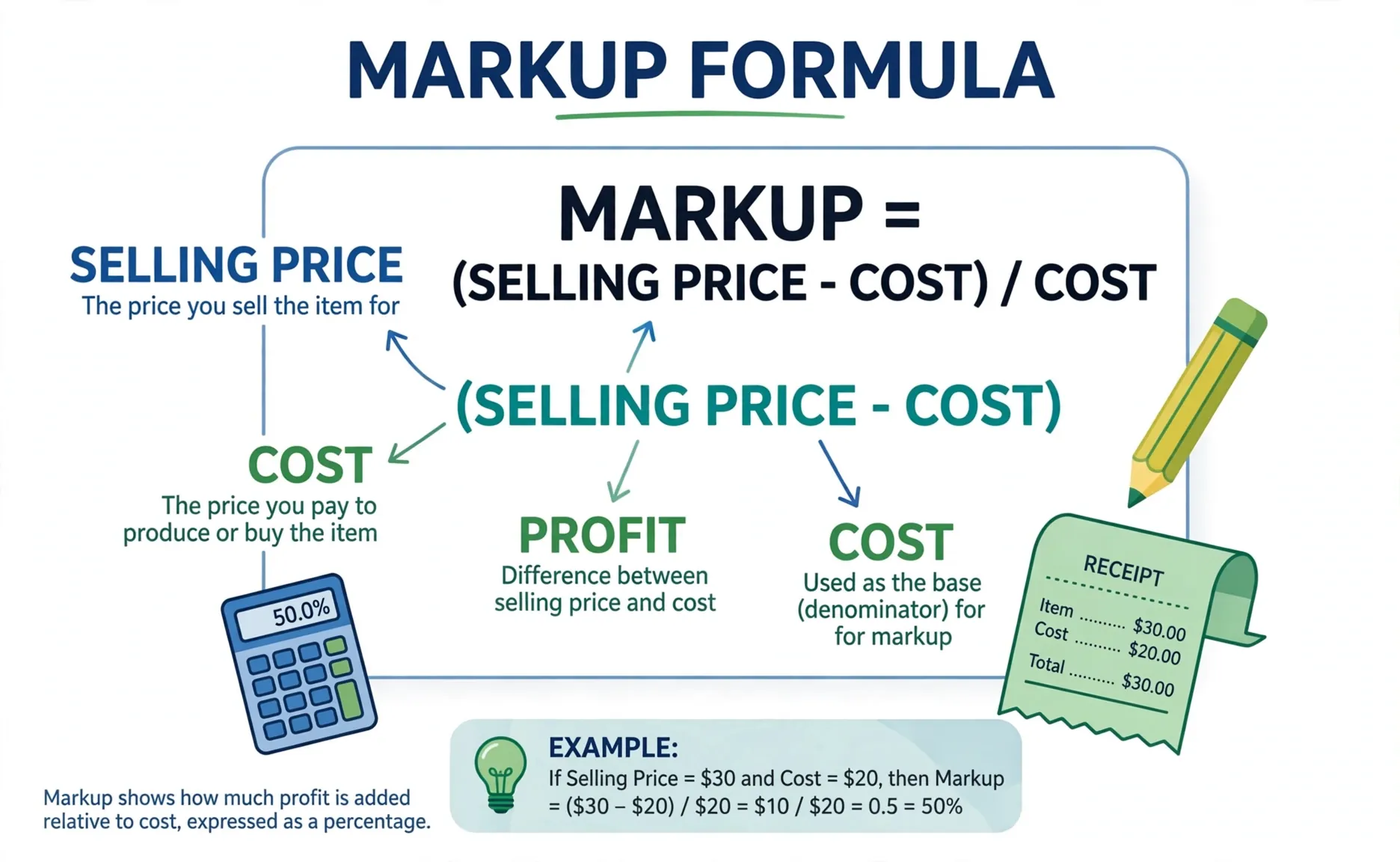
Two formulas power this calculator, one for each direction.
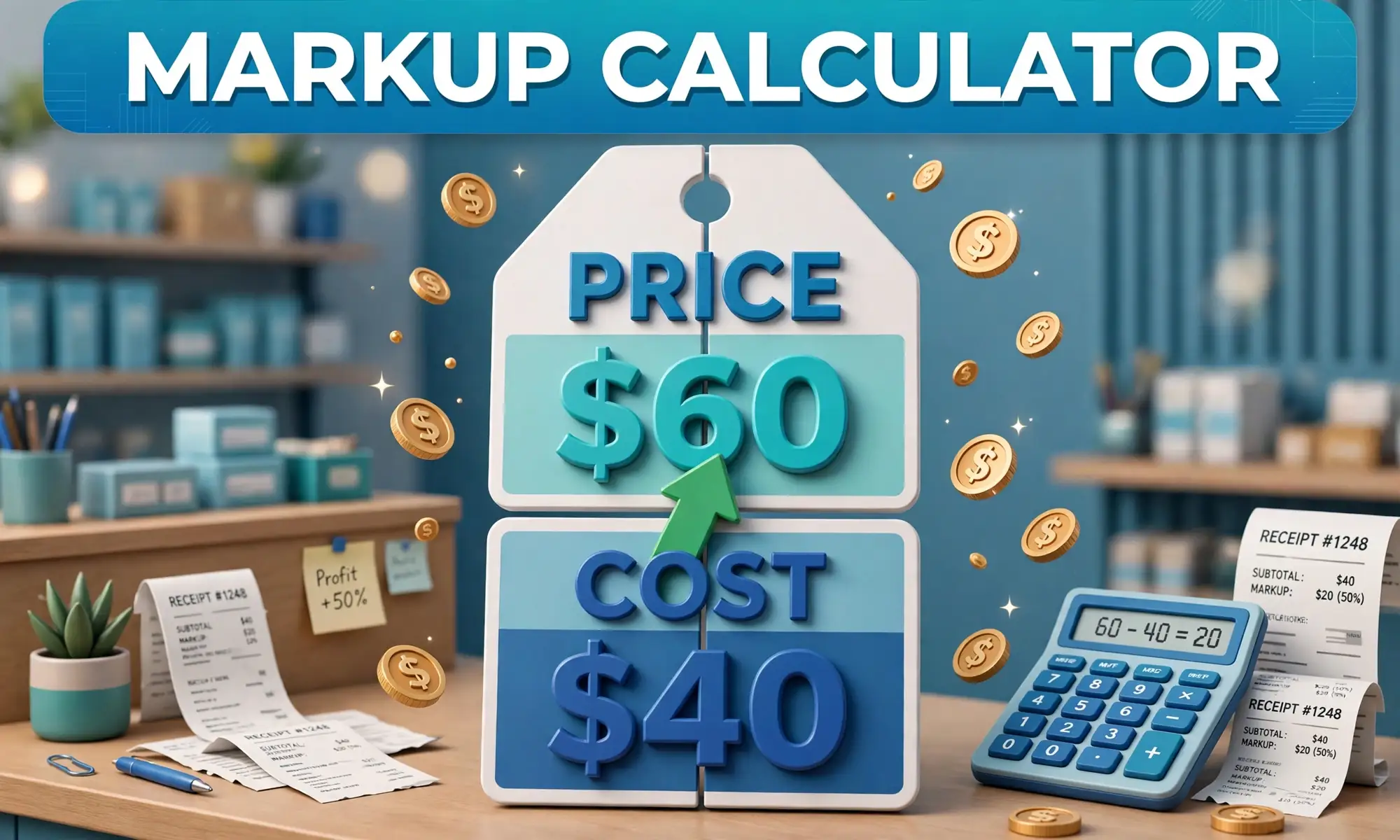
To find the selling price: Price = Cost × (1 + markup). Enter the markup as a decimal, so a 50% markup is 0.50. With a $40 cost, the price is 40 × 1.50 = $60.
To find the markup: Markup = (Price − Cost) ÷ Cost. With a $60 price and a $40 cost, the markup is (60 − 40) ÷ 40 = 0.50, or 50%.
Cost is what you pay for one unit. Selling price is what the customer pays. Profit is the price minus the cost. Markup is that profit shown as a share of cost. Percentages and their bases trip people up, so our percentage calculator can help you check the arithmetic.
Worked Example: Pricing a Mug at 50% Markup
You make mugs for $40 each and want a 50% markup. Here is exactly what the calculator does.
- Convert the markup to a decimal: 50 ÷ 100 = 0.50.
- Markup amount = 0.50 × $40.00 = $20.00.
- Selling price = $40.00 + $20.00 = $60.00.
- Check the margin: $20.00 ÷ $60.00 = 33.33%. You keep about a third of each sale.
Notice the money is worked out in cents and rounded once, at the end. Rounding in the middle would shift the final price.
Markup vs Margin: The Difference That Costs Money
Markup and margin describe the same $20 profit, but they divide it by different numbers. Markup divides by cost, and margin divides by the selling price. Because cost is the smaller number, markup is always the bigger percentage.
| Markup on cost | Margin on price |
|---|---|
| 25% | 20.00% |
| 50% | 33.33% |
| 100% | 50.00% |
| 200% | 66.67% |
Two formulas convert between them. Margin = markup ÷ (1 + markup), using decimals. Markup = margin ÷ (1 − margin). A 50% markup becomes 0.50 ÷ 1.50 = 33.33% margin, and a 40% margin needs 0.40 ÷ 0.60 = 66.67% markup.
The 30% Trap: When a Quote Means Margin
A supplier quotes you a 30% margin. You add 30% to your cost and move on. That feels right, and it underprices you.
A 30% margin needs a 42.86% markup, because 0.30 ÷ 0.70 = 0.4286. If you multiply cost by 1.30 instead, your margin lands at 23.08%, since 0.30 ÷ 1.30 = 0.2308. The missing 7 points come straight out of profit.
Always confirm which number a quote uses. "30%" without a base is not a price yet. If it means margin, divide your cost by one minus the margin. For a $40 cost and a 30% margin, the price is 40 ÷ 0.70 = $57.14, not $52.00.
Common Markup Mistakes
Adding a margin percentage to cost is the most expensive mistake, and the 30% trap above shows why. A few others catch sellers just as often.
Forgetting tax is one. Markup sets the pre-tax price, and sales tax lands on top of it, so check the final shelf price with our sales tax calculator before you print the tag.
Confusing markup with total profit is another. The markup amount must also cover rent, wages and card fees, not just the product cost. A 50% markup does not mean you keep 50%.
Rounding too early is quieter but real. Round only the final price. Rounding the markup amount first can shift the price by a cent or more on large orders, and those cents add up.
Finally, plan discounts before you price. If you intend to run a 20% sale later, set the markup so the discounted price still covers cost, and check the final number with our discount calculator.
Disclaimer
This calculator gives an estimate for planning and is for informational purposes only, not financial advice. Actual pricing depends on your market, costs, competition and taxes. See our disclaimer.

Sources
- SBA: Pricing Models for a Successful Business — U.S. Small Business Administration, cost-based pricing and how markup is calculated.
Frequently asked questions
How do you calculate markup on a product?
Subtract the cost from the selling price to get the profit, divide the profit by the cost, and multiply by 100. For a $40 cost and a $60 price, the profit is $20 and the markup is 20 divided by 40, which is 50%.
What is the difference between markup and margin?
Markup is profit divided by cost, and margin is the same profit divided by the selling price. A 50% markup equals a 33.33% margin, because the margin divides by the larger number.
What is a good markup percentage?
There is no single right number. It depends on your industry, your overhead and what customers will pay. Some retailers use keystone pricing, a 100% markup that doubles the cost, while low-margin goods run far below that.
Can markup be more than 100%?
Yes. Markup has no upper limit. A 200% markup means you sell at three times your cost. Margin is different. It can never reach 100%, because profit cannot exceed the selling price.
How do I turn a target margin into a markup?
Divide the margin by one minus the margin, using decimals. For a 40% target margin, the markup is 0.40 divided by 0.60, which is 66.67%.
Related calculators

Discount Calculator
Calculate sale price, discount amount and total savings on any purchase.
Use calculatorSales Tax Calculator
Add any tax rate to a price and see the final total.
Use calculatorPercentage Calculator
Find what P% of any number is, instant answers with the formula shown.
Use calculatorPercentage Change Calculator
Calculate the percent increase or decrease between two numbers, step by step.
Use calculatorROI Calculator
Measure investment returns with ROI, gain or loss and annualized growth.
Use calculatorBreak-Even Calculator
Find how many units you must sell to break even from fixed costs, variable cost and price.
Use calculator