Hex Converter: Convert Hex, Decimal, Binary and Octal
Enter a value in hexadecimal, decimal, binary, or octal to see it in all four bases at once, plus its bit length and, for six-digit hex values, its RGB color.
Formulas verified against standard references. Calculator logic tested with verified worked examples. Last reviewed: October 2026. Our methodology
Why Hexadecimal Exists
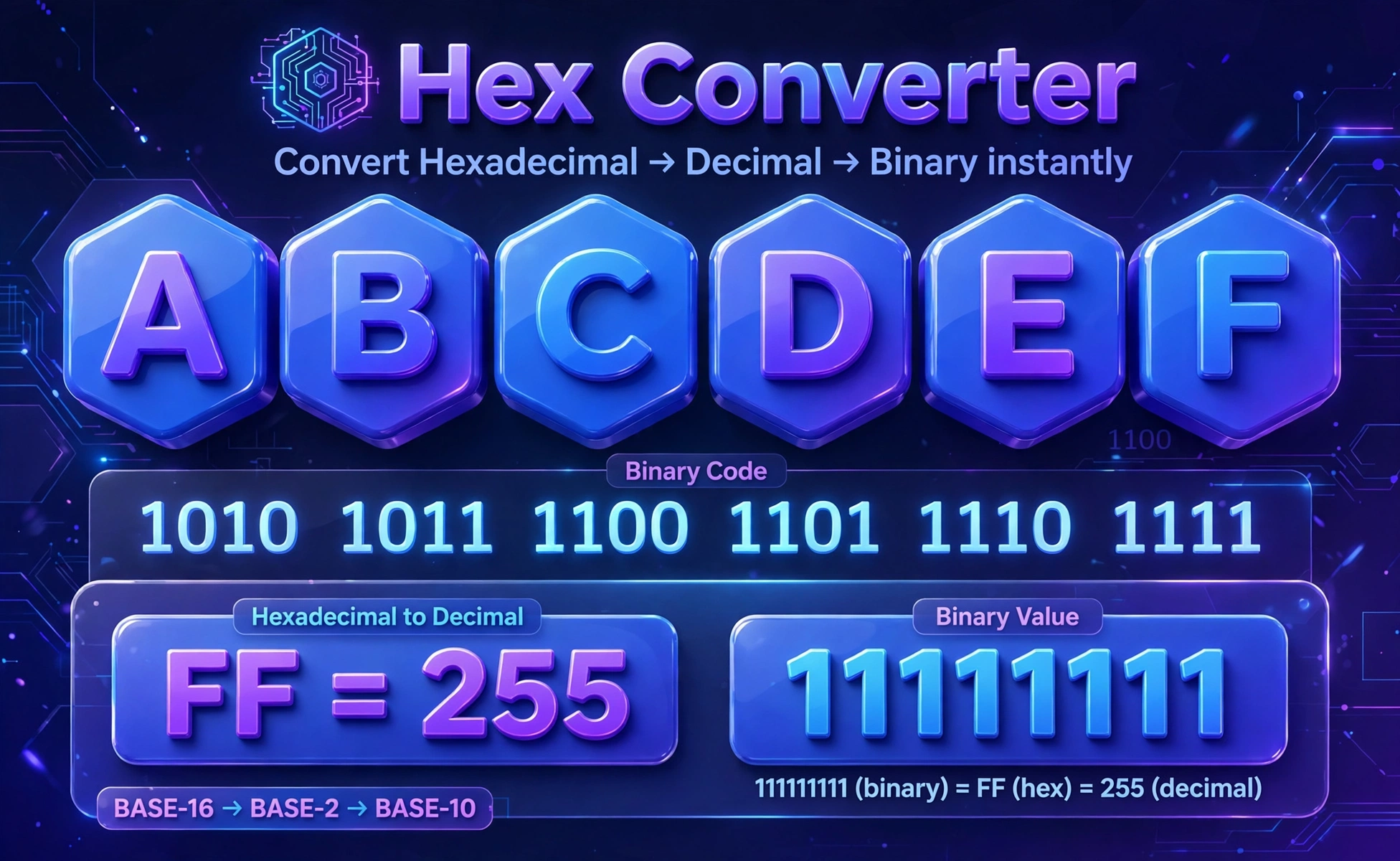
Computers store everything as binary, but binary gets long fast: the number 255 needs eight binary digits, 11111111, while the same value needs only two hex digits, FF. Hexadecimal is base 16, using the digits 0 to 9 plus the letters A to F, where A is 10 and F is 15. Each hex digit stands for exactly four bits, so converting between hex and binary is a digit-by-digit job with no arithmetic.
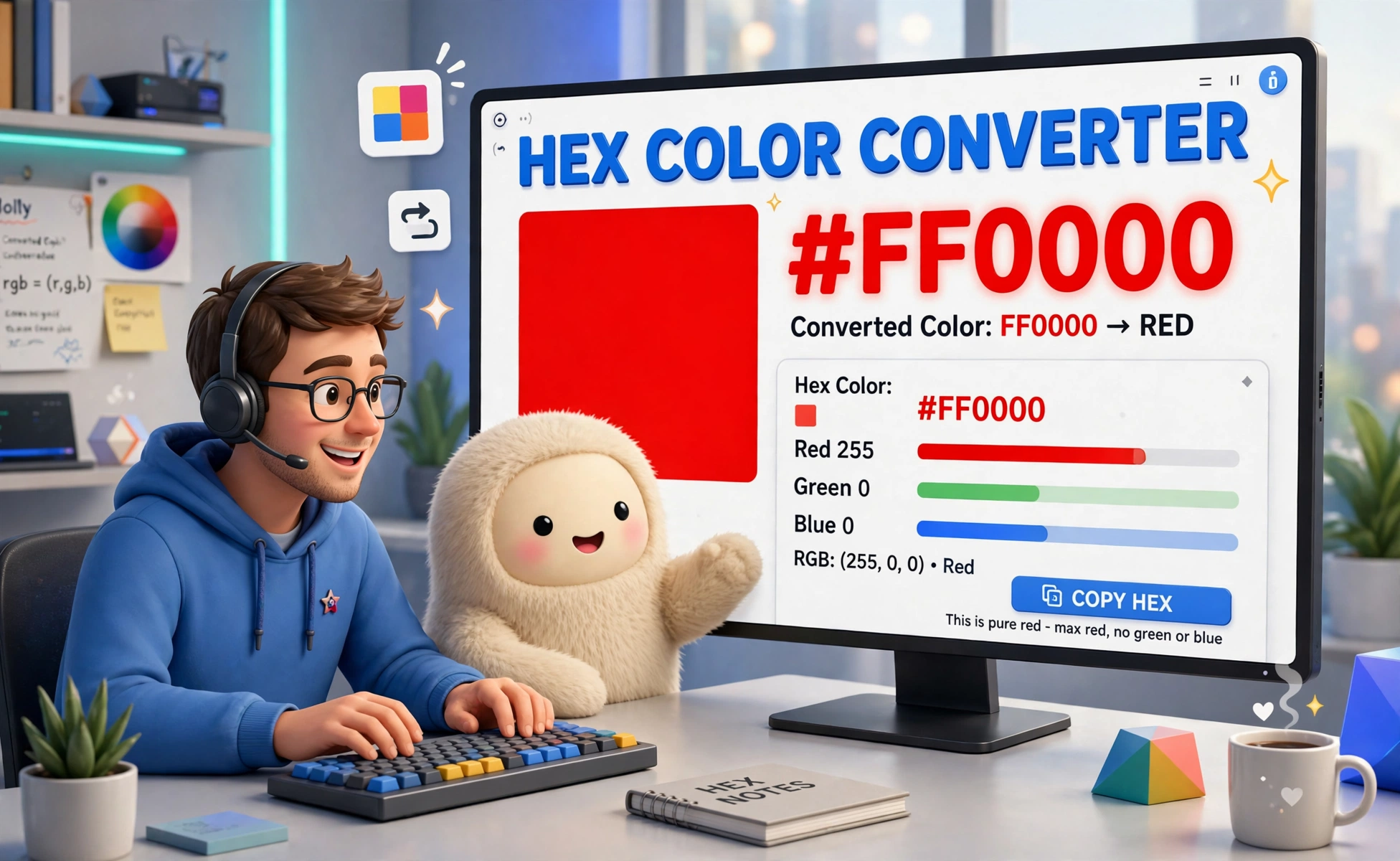
That compactness is why hex shows up in color codes, memory addresses, and debugging output. A web color such as FF0000 is really three bytes, one per color channel: FF for red, 00 for green, and 00 for blue. A programmer reading a memory dump in hex reads four times fewer characters than in binary, with no loss of information.
For plain two-base work, a binary converter converts between binary and decimal. This hex converter covers all four common bases at once.
How the Conversion Works
To convert hex to decimal, multiply each digit by its place value and add. For FF, that is 15 times 16 plus 15, which is 255. For A5, it is 10 times 16 plus 5, which is 165. To convert decimal to hex, divide by 16 repeatedly and read the remainders from bottom to top: 255 divided by 16 is 15 remainder 15, so the result is FF.
To convert hex to binary, replace each hex digit with its four bits: F becomes 1111, so FF becomes 11111111, and A5 becomes 10100101. To convert binary to hex, group the bits in fours from the right and replace each group with its hex digit. Octal works the same way with groups of three bits, since each octal digit stands for three bits.
| Hex digit | Decimal | Binary (4 bits) |
|---|---|---|
| A | 10 | 1010 |
| B | 11 | 1011 |
| C | 12 | 1100 |
| D | 13 | 1101 |
| E | 14 | 1110 |
| F | 15 | 1111 |
Worked Examples
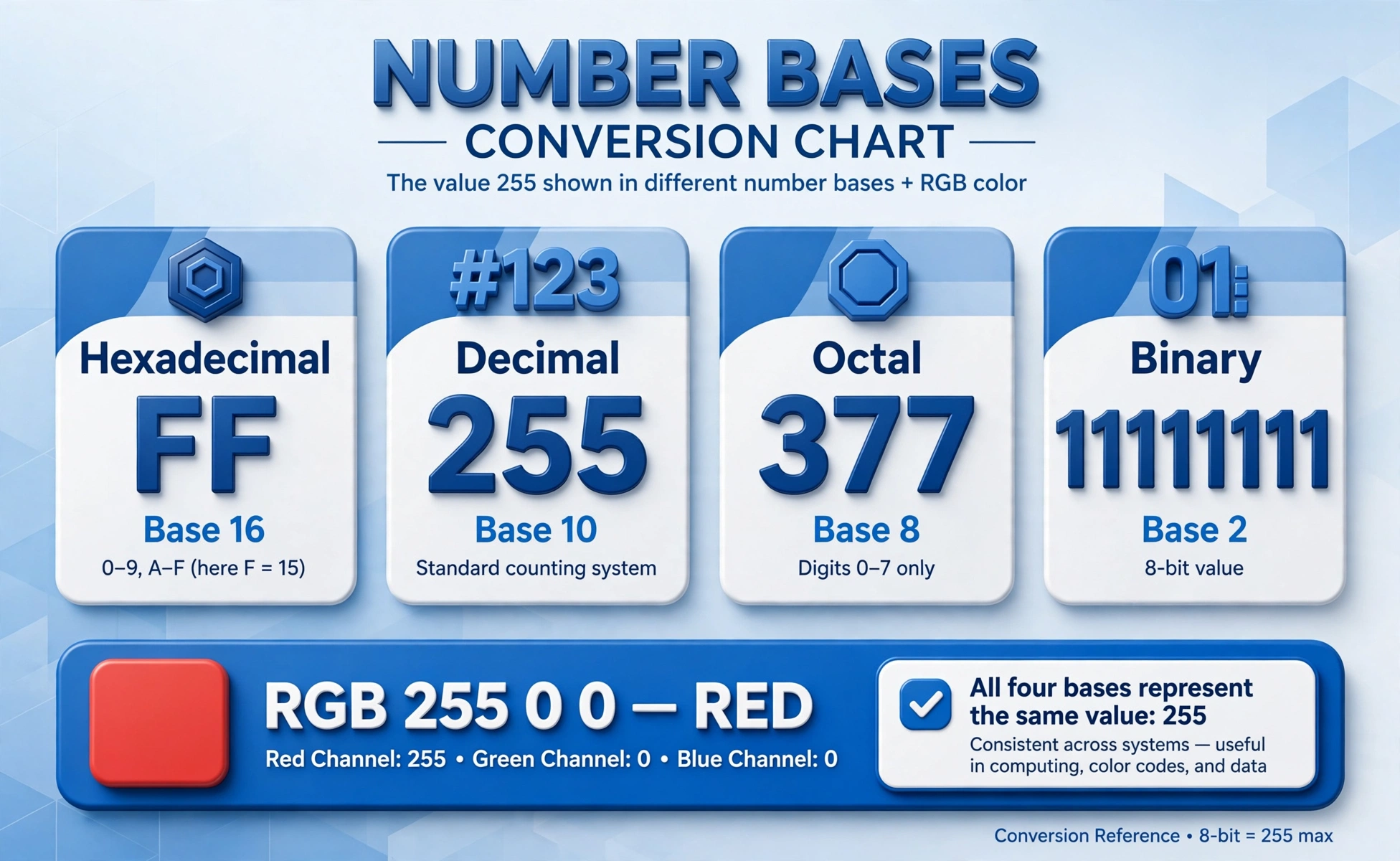
Example 1: convert FF. In decimal that is 255, in binary 11111111, and in octal 377. Example 2: convert 255 from decimal. In hex that is FF, in binary 11111111, and in octal 377. Example 3: convert 1010 from binary. Grouped as one nibble, that is A in hex and 10 in decimal.
Example 4: a six-digit hex color, 1E90FF. The pairs are 1E, 90, and FF, which give red 30, green 144, and blue 255. That is the dodger blue used in many interfaces, and this calculator shows the RGB values and a swatch for any six-digit hex input.
| Input | Hex | Decimal | Binary | Octal |
|---|---|---|---|---|
| FF (hex) | FF | 255 | 11111111 | 377 |
| 255 (decimal) | FF | 255 | 11111111 | 377 |
| 1010 (binary) | A | 10 | 1010 | 12 |
| 1E90FF (hex color) | 1E90FF | 2003199 | RGB 30, 144, 255 | 7562177 |
Common Hex Values
A handful of hex values come up so often that they are worth recognizing on sight. FF is 255, the largest value in one byte. 100 in hex is 256 in decimal, the count of values in a byte. FFFF is 65535, the largest value in two bytes. 7F is 127, the largest value in a signed byte, and 80 is 128, where signed bytes wrap to negative.
Color codes follow the same pattern. White is FFFFFF, black is 000000, pure red is FF0000, pure green is 00FF00, and pure blue is 0000FF. If a color looks wrong on a page, checking its hex pairs against those anchors usually finds the swapped channel.
| Hex | Decimal | Meaning |
|---|---|---|
| FF | 255 | Largest one-byte value |
| 100 | 256 | Values in one byte |
| FFFF | 65535 | Largest two-byte value |
| FF0000 | 16711680 | Pure red |
Common Mistakes
The most common mistake is reading hex letters as decimal digits: in hex, A is 10, not 1, and 10 in hex is 16 in decimal, not 10. Another is forgetting the 0x prefix convention: 0x2A means hex 2A, which is 42 in decimal, while plain 2A in a decimal context is not a valid number at all.
A third mistake is case confusion, but hex is case-insensitive: ff and FF are the same value, and this converter accepts both. A fourth is dropping leading zeros in colors: 00FF00 is green, while FF00 is not a valid six-digit color at all, so keep all six digits when you copy a color code.
Where Hex Is Used
Hex is the standard shorthand wherever bits meet humans: color codes in CSS, memory addresses in debuggers, byte values in file formats, and IPv6 addresses, which are written as eight groups of four hex digits. Unix file permissions use octal instead, but the idea is the same, grouping bits into readable digits.
If you work with colors, enter the six-digit code here to check its RGB channels before pasting it into a stylesheet. If you work with binary data, use the binary column to see exactly which bits are set, since each 1 in the binary output maps to one bit of the value.
Frequently asked questions
What is hexadecimal?
A base-16 number system using the digits 0 to 9 and the letters A to F, where A is 10 and F is 15. Each hex digit represents exactly four binary bits.
What does FF mean in hex?
255 in decimal and 11111111 in binary. It is the largest value that fits in one byte.
Is hex case-sensitive?
No. Lowercase a to f and uppercase A to F mean the same values, and this converter accepts both.
What does 0x mean?
It is a prefix marking a number as hexadecimal. 0x2A means hex 2A, which is 42 in decimal.
How do I convert hex to binary?
Replace each hex digit with its four bits. A becomes 1010 and F becomes 1111, so A5 becomes 10100101.
How do I convert decimal to hex?
Divide by 16 repeatedly and read the remainders from bottom to top. 255 divided by 16 is 15 remainder 15, giving FF.
What is a hex color code?
Six hex digits in three pairs for red, green, and blue. FF0000 is pure red, 00FF00 is pure green, and 0000FF is pure blue.