Data Storage Converter: Bits to Terabytes
Is your "1 TB" drive really a terabyte? Enter a value and pick units, and this free data storage converter will translate between bits, bytes, KB, MB, GB, TB and PB — with a full table so you can compare every unit at once.
Formulas verified against standard references. Calculator logic tested with verified worked examples. Last reviewed: October 2026. Our methodology
How storage conversion works
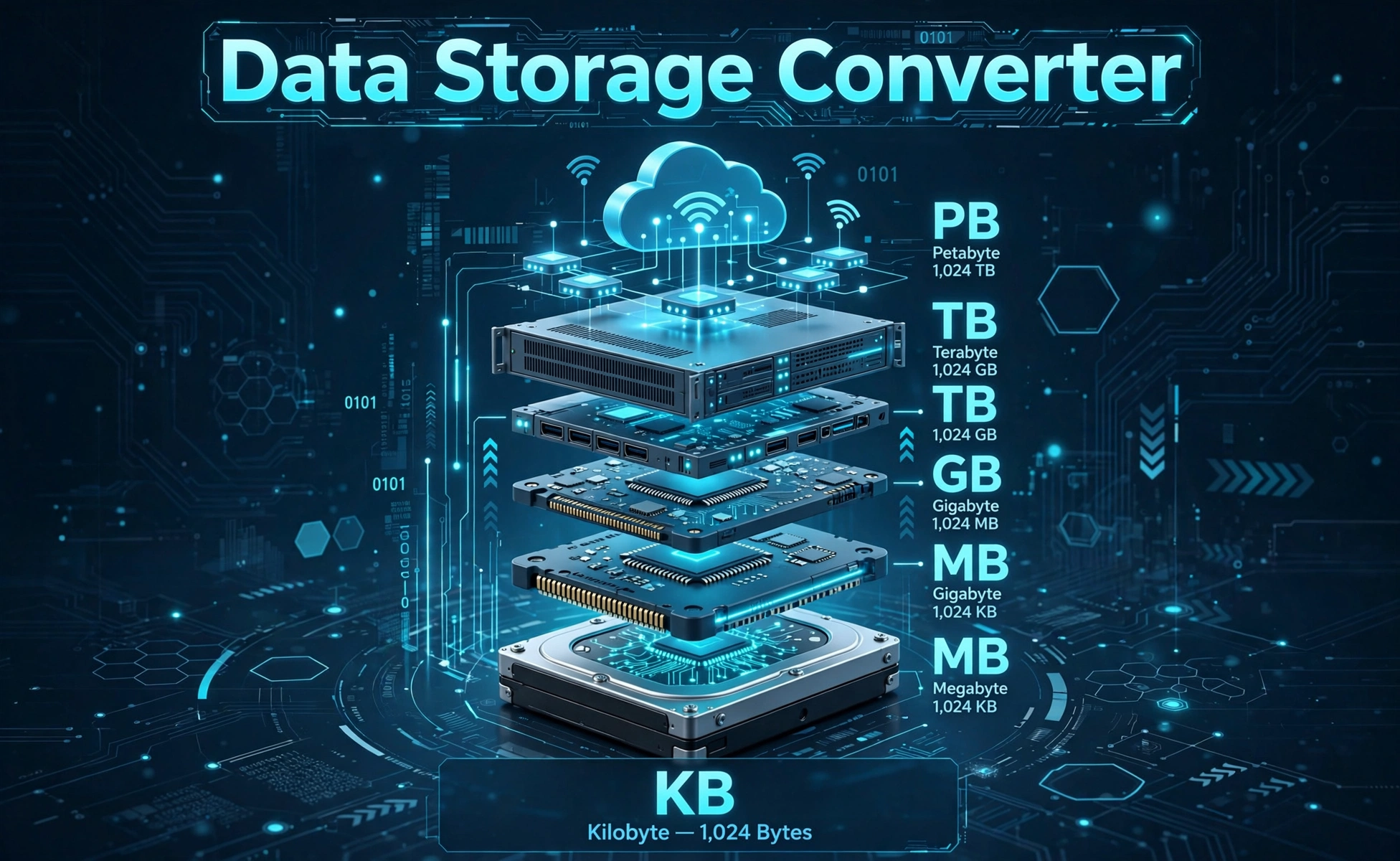
Digital storage climbs in powers of 1,024 (binary) — each step up multiplies by 1,024:
- 8 bits = 1 byte; 1,024 bytes = 1 KB; 1,024 KB = 1 MB; 1,024 MB = 1 GB; 1,024 GB = 1 TB; 1,024 TB = 1 PB.
- Conversion: value × (from-unit bytes) ÷ (to-unit bytes). Everything routes through bytes.
- Bits vs. bytes: internet speeds are quoted in bits (Mbps), file sizes in bytes (MB) — divide bits by 8.
| Unit | Bytes | Holds roughly |
|---|---|---|
| Kilobyte (KB) | 1,024 | A short email |
| Megabyte (MB) | 1,048,576 | A 3-minute MP3 |
| Gigabyte (GB) | 1,073,741,824 | An HD movie (~4 GB) |
| Terabyte (TB) | ~1.1 trillion | ~250,000 photos |
| Petabyte (PB) | ~1.1 quadrillion | A data center rack |
Each row is exactly 1,024× the last — that relentless compounding is why a "small" unit jump means a gigantic capacity jump.
Worked example
Convert 1 GB to MB. Step 1: 1 × 1,073,741,824 = 1,073,741,824 bytes. Step 2: 1,073,741,824 ÷ 1,048,576 = 1,024 MB.
In bits that is 8,589,934,592 bits — which is why a "100 Mbps" connection downloads a 1 GB file in about 86 seconds (8,590 ÷ 100), not 10.
How to use the data storage converter
Watch the bits/bytes distinction — it is the #1 source of confusion in storage math.
Step by step
- Enter the value. Any positive number, decimals allowed.
- Pick the "from" unit. Bits for speeds, bytes (KB/MB/GB…) for sizes.
- Pick the "to" unit you want the answer in.
- Press Calculate. The converted value leads; the breakdown table shows all seven units.
- For download times: convert the file to bits, divide by your Mbps speed for seconds.
Binary vs. decimal: why your 1 TB drive shows 931 GB
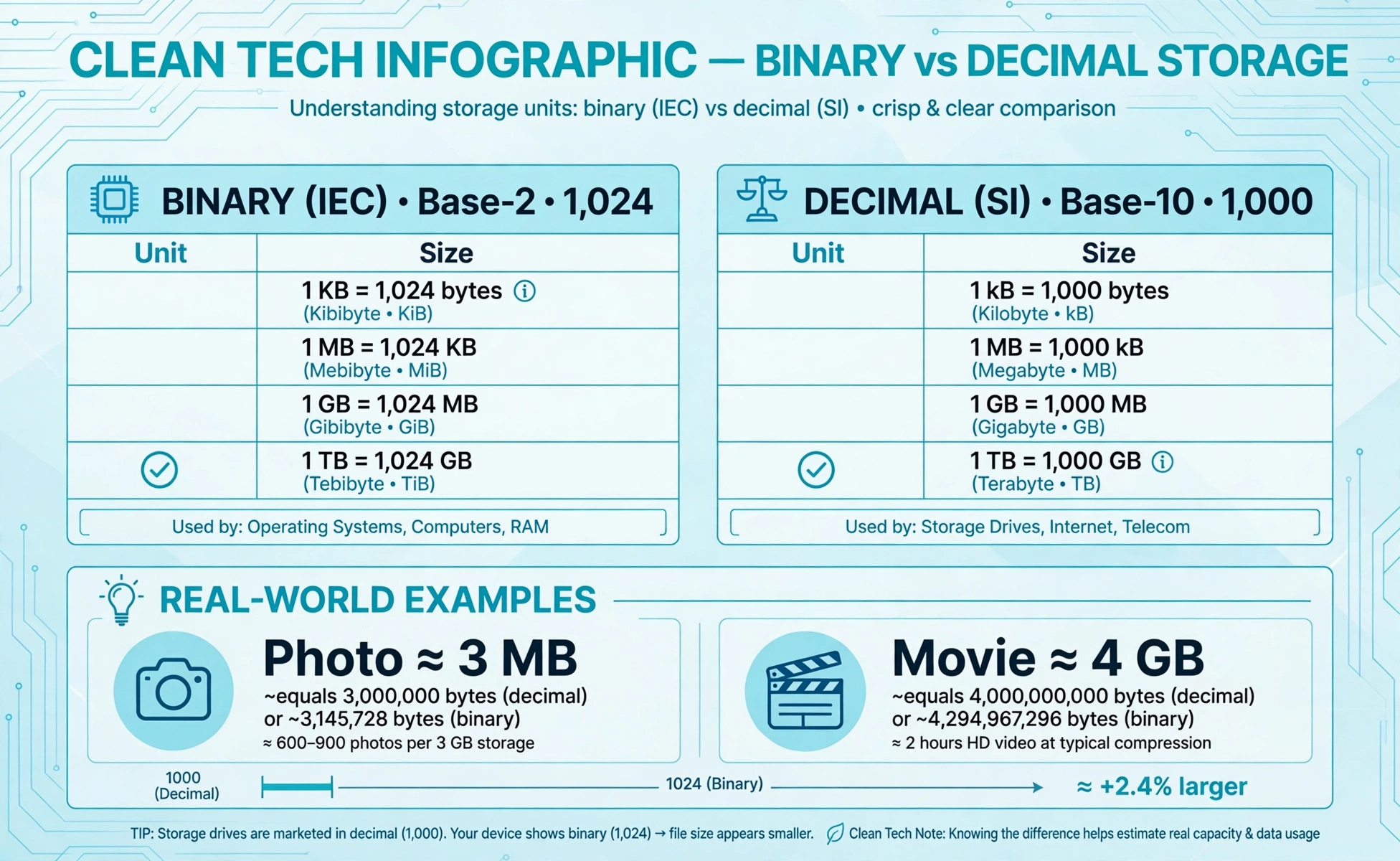
The most common storage complaint has a simple explanation — two definitions of "kilo":
| Binary (used here) | Decimal (drive makers) | |
|---|---|---|
| 1 KB / kB | 1,024 bytes | 1,000 bytes |
| 1 MB | 1,048,576 bytes | 1,000,000 bytes |
| 1 GB | 1,073,741,824 bytes | 1,000,000,000 bytes |
| 1 TB | 1,099,511,627,776 bytes | 1,000,000,000,000 bytes |
Manufacturers advertise decimal terabytes (1,000,000,000,000 bytes), but your OS counts binary: 1012 ÷ 240 ≈ 0.9095 — so "1 TB" shows as ~931 GB. Nothing is missing; the ruler just changed. This converter uses binary units (KB, MB, GB…), matching what operating systems report.
How much storage do you actually need?
Translate your life into gigabytes before buying:
- Photos: ~3 MB each (phone) → 10,000 photos ≈ 30 GB
- Music: ~10 MB per MP3 album track set… roughly 1 GB per 100 songs
- Video: ~1 GB per hour (1080p), ~4 GB per hour (4K)
- Games: 50–150 GB each for modern titles
- Documents: negligible — a lifetime of docs fits in a few GB
A 512 GB laptop holds roughly 150,000 photos or 100 hours of 1080p video or 5–8 big games. Video and games dominate; everything else is rounding. When in doubt, the breakdown table above turns any total into every unit instantly.
Bits, bauds and why your internet lies (a little)
ISPs sell megabits; files are measured in megabytes. The factor of 8 confuses everyone:
- 100 Mbps = 12.5 MB/s theoretical — a 1 GB file takes ~86 seconds, not 10.
- Real speeds run 10–30% lower than advertised after overhead, Wi-Fi losses and congestion.
- Upload is usually far slower than download on cable plans — check before livestreaming.
Quick mental math: divide the Mbps figure by 10 (not 8) for a realistic MB/s estimate. The converter’s bits row makes the exact conversion one click.

Frequently asked questions
How many MB are in a GB?
1,024 MB in a binary gigabyte (what operating systems use). Drive makers sometimes use decimal gigabytes of 1,000 MB — the source of the 'missing space' confusion.
Why does my 1 TB drive show only 931 GB?
Your drive holds 1 trillion bytes (decimal TB), but Windows/macOS count binary: 1 trillion ÷ 1,099,511,627,776 ≈ 0.9095 TiB, shown as ~931 GB. No space is missing — the units differ.
What is the difference between a bit and a byte?
A bit is one binary digit; a byte is 8 bits. Internet speeds use bits (Mbps), file sizes use bytes (MB). Divide bits by 8 to get bytes.
How many bytes are in a kilobyte?
1,024 bytes in binary (KB, used by operating systems) vs 1,000 bytes in decimal (kB, used by drive manufacturers). This converter uses the binary 1,024.
How long to download 1 GB at 100 Mbps?
About 86 seconds in theory: 1 GB = 8,590 megabits ÷ 100 Mbps. Real-world overhead and Wi-Fi losses make it a bit longer — divide Mbps by 10 for a realistic MB/s estimate.
What comes after a terabyte?
Petabyte (1,024 TB), then exabyte (1,024 PB), zettabyte and yottabyte. Global internet traffic is measured in zettabytes per year.
How much is a petabyte in real terms?
1,024 TB — roughly 250 million photos, 500 billion pages of text, or about 13 years of HD video. Data-center scale, not laptop scale.